You’re halfway through your morning coffee when a cold jolt hits your stomach—was the electricity bill due yesterday, or is it next week? That familiar, low-grade panic of juggling due dates and payment methods is more than just annoying; it’s a tax on your mental energy. The good news is you don’t need a finance degree or a complex app to fix it. You just need a simple, durable system. This guide will walk you through the best way to organize bills by due date and payment method, transforming that monthly scramble into a calm, controlled routine that actually works.
The best way to organize bills by due date is to first gather every bill, then create a master list sorted chronologically. Assign each bill a payment method (autopay, manual online, check) and choose a simple tracking tool you’ll actually use—like a calendar, spreadsheet, or app. This system prevents late fees and turns bill-paying from a monthly scramble into a calm routine.
Your Immediate Bill Organization Checklist
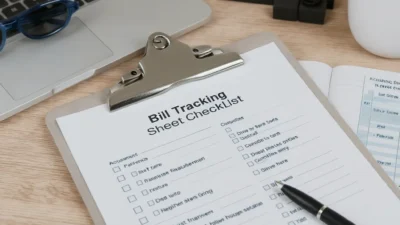
Let’s stop the overwhelm right now. In the next 30 minutes, you can go from scattered to sorted. Grab a notepad or open a blank document and run through this five-step checklist. This is your quick-start guide to a solid bill organization system.
Photo by Leeloo The First on Pexels
- Gather Every Bill. Do a physical and digital sweep. Pull paper statements from drawers and your mail pile. Then, log into your email and bank accounts to find digital bills and automatic subscriptions. The goal is one complete pile (real or virtual).
- Note the Core Details. For each bill, write down the creditor (e.g., “Electric Co.”), the due date (e.g., “15th”), and the minimum payment. Don’t worry about annual subscriptions yet—just focus on your regular monthly or quarterly payments.
- Assign a Payment Method. Decide how you’ll pay each one. Label them as: Set-it-and-forget-it (for autopay on a credit card or bank account), Quick-pay (for manual online payments you’ll make yourself), or Paper trail (for checks you must mail).
- Choose Your Tracking Tool. Pick one primary place to track bills by due date. Commit to either a digital calendar, a simple spreadsheet, a dedicated app, or a paper notebook. The “best” tool is the one you’ll actually check consistently.
- Schedule a Weekly ‘Bill Check-In’. Open your calendar right now and set a recurring 10-minute appointment for the same day each week (e.g., every Monday evening). This is your time to review upcoming bills and make payments. This habit is the glue that holds the system together.
Setting Up Your Master Bill List
Your checklist created the raw material. Now, we build the foundation: a single, authoritative master list. This is where true bill due date organization happens. Think of this list as your financial command center.
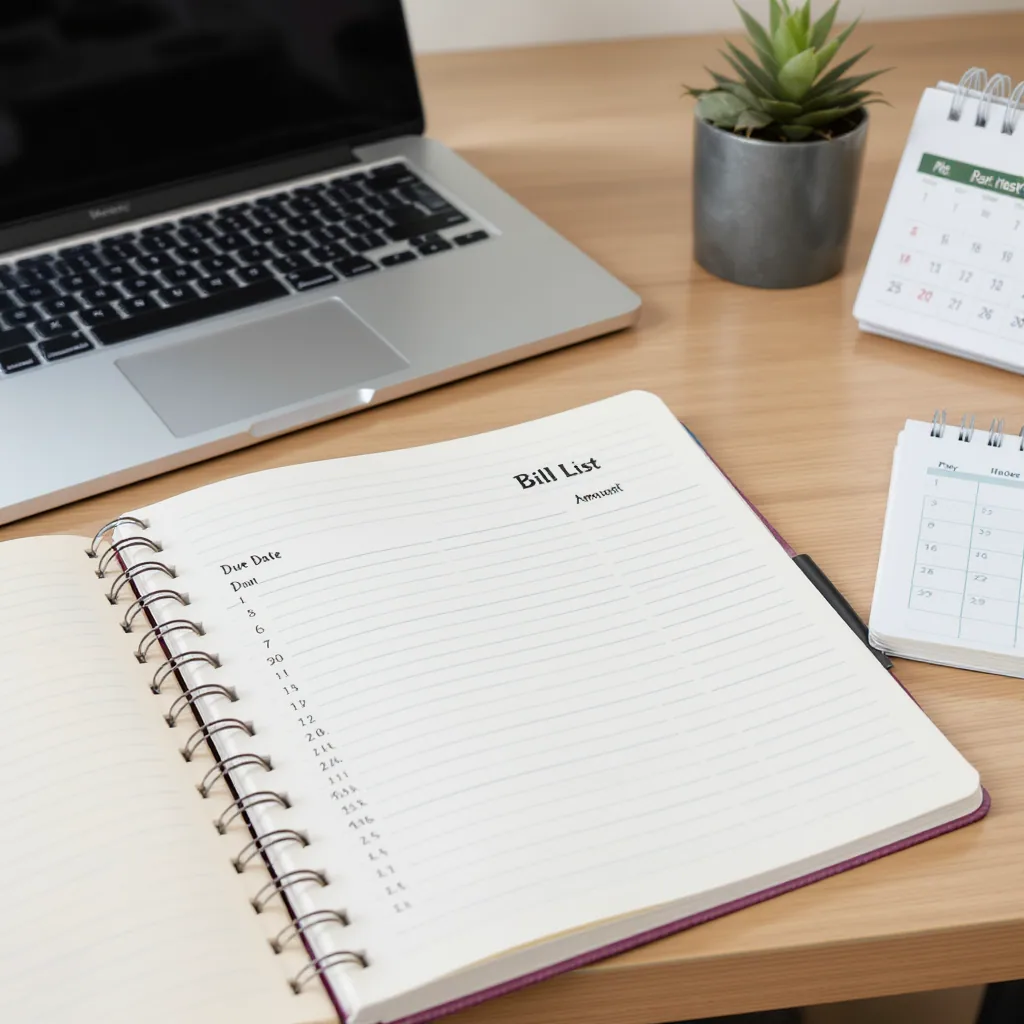
Step 1: Sort Chronologically
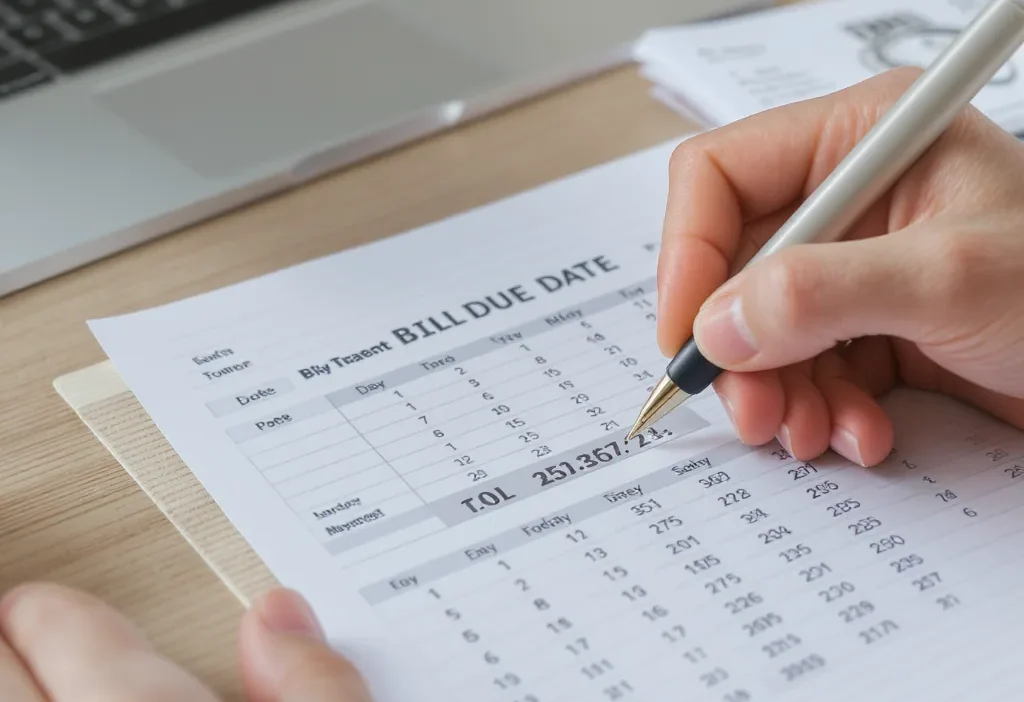
Take your notes from the checklist and list every bill in order of its due date, from the 1st of the month to the 31st. This chronological view instantly shows your cash flow peaks and valleys. You might notice, for example, that the 1st-5th is heavy with rent and loans, while the 20th is lighter.
Step 2: Categorize by Payment Method
Next to each bill, add a column or tag for its assigned payment method from the checklist. This transforms your list from a simple calendar into an actionable payment method bill tracker. Grouping them this way simplifies your process: all “Set-it-and-forget-it” bills are handled, so you only need to actively manage the “Quick-pay” and “Paper trail” items.
Here’s a simple framework for your categories:
- Set-it-and-forget-it (Autopay): Bills with a consistent amount, like streaming services, insurance, or your phone bill. Set these up on autopay with a credit card (to earn rewards and have a buffer) or your bank account. Verify them monthly during your check-in.
- Quick-pay (Manual Online): Bills that vary, like utilities or credit cards where you pay more than the minimum. These require a quick login and payment each month.
- Paper Trail (Checks/Mail): For landlords or services that still require physical checks. Schedule these early in your weekly check-in to account for mail time.
Choosing Your Tracking Tool: Digital vs. Analog
Your master list needs a home. The right tool makes maintenance effortless; the wrong one adds friction. Don’t overthink this—choose based on your lifestyle, not on features. The core of any good bill management routine is consistency, not complexity.
Scenario A: If You Live on Your Phone…
Go digital. A digital calendar (like Google Calendar or Apple Calendar) is a powerhouse for this. Create a separate calendar named “Bills,” and add each bill as a recurring event on its due date. In the event description, note the amount and payment method. The reminder notifications are your safety net. Alternatively, a simple spreadsheet in Google Sheets or Excel offers more detail and can be sorted easily. For a dedicated app, consider a free option like Mint (for budgeting and bill tracking) or even a basic to-do app like Todoist where you can set recurring tasks.
Scenario B: If You Prefer Writing Things Down…
Embrace analog. A dedicated financial notebook or a planner with a monthly spread works perfectly. Use one page for your master list and then jot down upcoming bills on the corresponding weekly page. A large wall calendar in your home office or kitchen, marked with due dates and amounts, serves as a constant, hard-to-miss visual reminder. The physical act of checking off a paid bill can be surprisingly satisfying and reinforcing.
The key is to have one primary system. Avoid splitting your list between a notebook and your phone—that’s how things get missed. Commit to one, and make it a habit to check it during your scheduled weekly time.
Building Your Bill-Paying Routine
A system is only as good as the habit that runs it. The goal is to move from a frantic, last-minute scramble to a calm, predictable rhythm. This is where your bill organization system becomes a true asset, reducing mental load and preventing late fees.
The Weekly Finance Admin Block
This is the non-negotiable 10-15 minutes you scheduled in the checklist. Every week, open your tracking tool and look at the bills due in the next 7-14 days. For any “Quick-pay” or “Paper trail” bills, make the payment immediately. For “Set-it-and-forget-it” bills, simply scan to ensure the autopay went through as expected. This proactive approach means you’re never caught off guard by a bill due “tomorrow.”
The Monthly Reconciliation
Align your bill-paying with your income. Shortly after your main paycheck hits your account, do a slightly longer review. Ensure all bills for the upcoming month are accounted for in your master list and that your payment method assignments still make sense. This is also the time to update any bill amounts that fluctuate, like your electric bill.
Life changes, and so will your bills. The beauty of this system is its flexibility. When you get a new bill or cancel a service, simply update your master list and tracking tool during your next weekly check-in. The routine itself becomes the engine that keeps your bill due date organization accurate and stress-free over the long term.
From Overwhelm to Automatic
The peace that comes from knowing exactly what’s due and when is not a luxury—it’s a foundational piece of financial well-being. Remember, you’re not aiming for a perfect, color-coded masterpiece. You’re building a simple, durable system that works for you.
Start with the checklist. Build your master list. Choose the tool that feels easiest. Protect that weekly check-in time. Financial calm doesn’t come from having a perfect memory or a huge income; it comes from having a reliable system. You’ve got this.