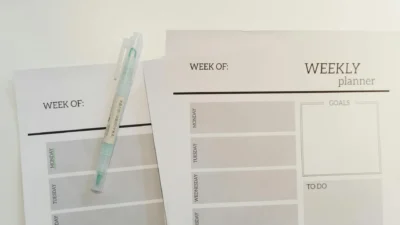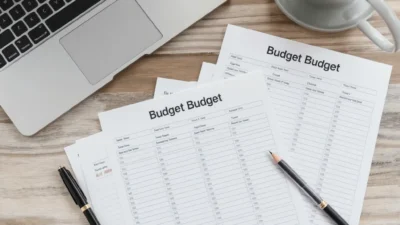
Let’s be honest: most of us blame a lack of willpower when our budget tracking falls apart. But the real culprit is often much simpler—a cluttered, confusing planner layout. When your budget pages are a jumble of scribbles, cramped columns, and forgotten categories, the act of tracking feels like a chore, not a tool. The secret to consistent financial oversight isn’t more discipline; it’s better design. A clean, intentional budget planner layout removes friction, making it effortless to see your progress and stay on course. This practical checklist provides the essential design principles to transform your planner from a source of stress into a clear, functional system for cleaner tracking.
A budget planner layout checklist is a set of design principles to ensure your tracking pages are functional, easy to update, and visually clear, leading to more consistent and accurate financial oversight. It turns the setup of your budgeting planner page layout from an afterthought into a strategic step, ensuring your planner budget organization supports your goals rather than hinders them. Following this checklist helps you build a system that makes tracking a simple, sustainable habit.
The Core Budget Planner Layout Checklist
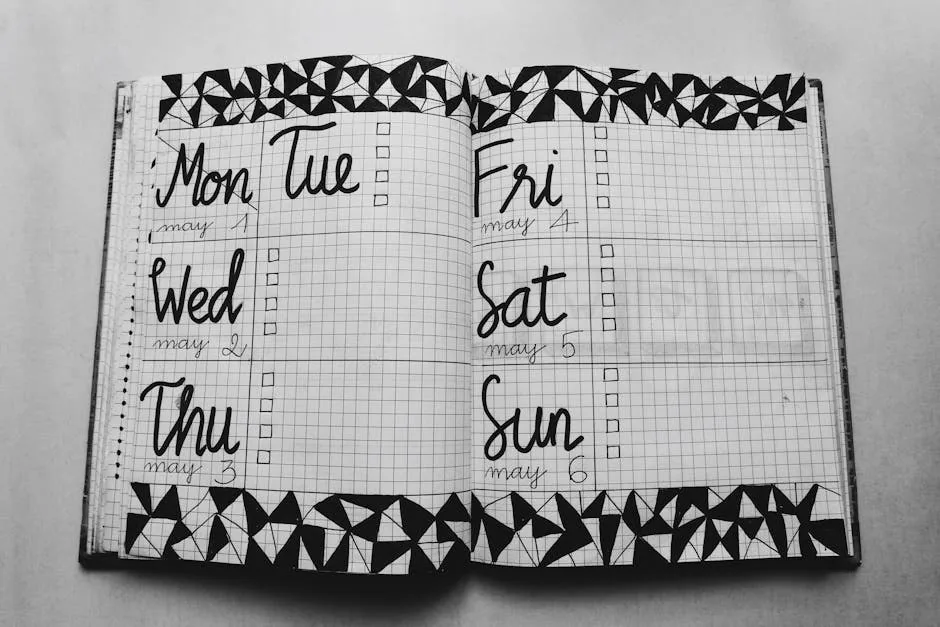
Photo by Bich Tran on Pexels
Think of this as your blueprint for a functional budget tracker layout. Before you draw a single line, run your page setup through this list. A good budgeting planner page layout isn’t about being pretty—it’s about being usable.
- Clear Income & Expense Columns: Designate separate, labeled areas for money coming in and going out. This fundamental separation prevents confusion and forms the backbone of your planner budget organization.
- Dedicated Savings & Goal Trackers: Don’t let savings be an afterthought. Include visual progress bars, boxes, or a simple list for your specific goals (e.g., “Emergency Fund,” “Vacation”).
- Monthly Overview Space: A small section at the top of your spread for the total monthly budget, income, and final balance gives you the “big picture” at a glance.
- Categorized Expense Blocks: Group similar expenses (Groceries, Utilities, Subscriptions) into their own defined spaces. This makes tracking and analysis much easier than a single, long list.
- A Notes/Memo Area: Leave blank space for unexpected expenses, reasons for overspending, or reminders for next month. This turns your planner into a thinking tool, not just a recording tool.
- Ample White Space: Resist the urge to fill every millimeter. White space reduces visual clutter, making the page less intimidating to look at and update.
- A Simple, Consistent Legend/Key: If you use color-coding or symbols (e.g., a dot for paid, a circle for pending), include a tiny key so you never forget what they mean.
Designing for Clarity: The Do’s and Don’ts
Now, let’s apply the checklist. The goal is to translate those items into daily practice. Here’s how to think about your budgeting page setup to maximize clarity and minimize effort.
Do This for Better Tracking
- DO use clear, specific labels. Instead of “Food,” use “Groceries” and “Dining Out.” This specificity provides actionable data.
- DO align your layout with your pay schedule. If you get paid bi-weekly, consider splitting your monthly page into two halves. This creates a natural checkpoint.
- DO leave room for adjustments. Life happens. A layout that can’t accommodate a surprise vet bill will feel like a failure. Your notes section is for this.
Avoid This Common Pitfall
- DON’T cram everything into one tiny box. For example, a common mistake is having one small square labeled “Food” for the entire month. A Do is creating a dedicated column or section with a line for each grocery trip or week, making it easy to log and subtotal.
- DON’T create a layout that’s a chore to fill. If updating your planner feels like filing taxes, you’ll avoid it. The checklist items like white space and clear columns are designed to reduce this friction.
- DON’T mix categories on the same line. Tracking “Gas & Entertainment” together makes it impossible to see where your money is actually going. Give each its own home.
Common Layout Mistakes That Sabotage Your Budget
Even with the best intentions, small design flaws can derail your financial planner organization. Recognizing these mistakes helps you audit your own planner layout for money.
Over-Complication
Creating a budget planner format with ten different colors, five types of trackers, and intricate hand-lettering is a fast track to burnout. You spend more time decorating than tracking. Start simple—you can always add flair later.
Neglecting White Space
A page crammed edge-to-edge with text and numbers is visually stressful. It’s hard to find what you need, and adding new information feels messy. This directly violates the “ample white space” item on the core checklist.
Using Faint Pens or Pencil
If you can’t easily read your numbers at the end of the month, your data is useless. Use a dark, consistent pen for core tracking. Pencil can fade or smear, leading to lost information.
No System for Irregular Expenses
Failing to plan for quarterly, annual, or unexpected costs makes every month feel like you’ve failed. A proper layout should have a designated spot to list these upcoming irregular expenses, so they don’t blindside you.
Adapting Your Layout to Your Actual Life
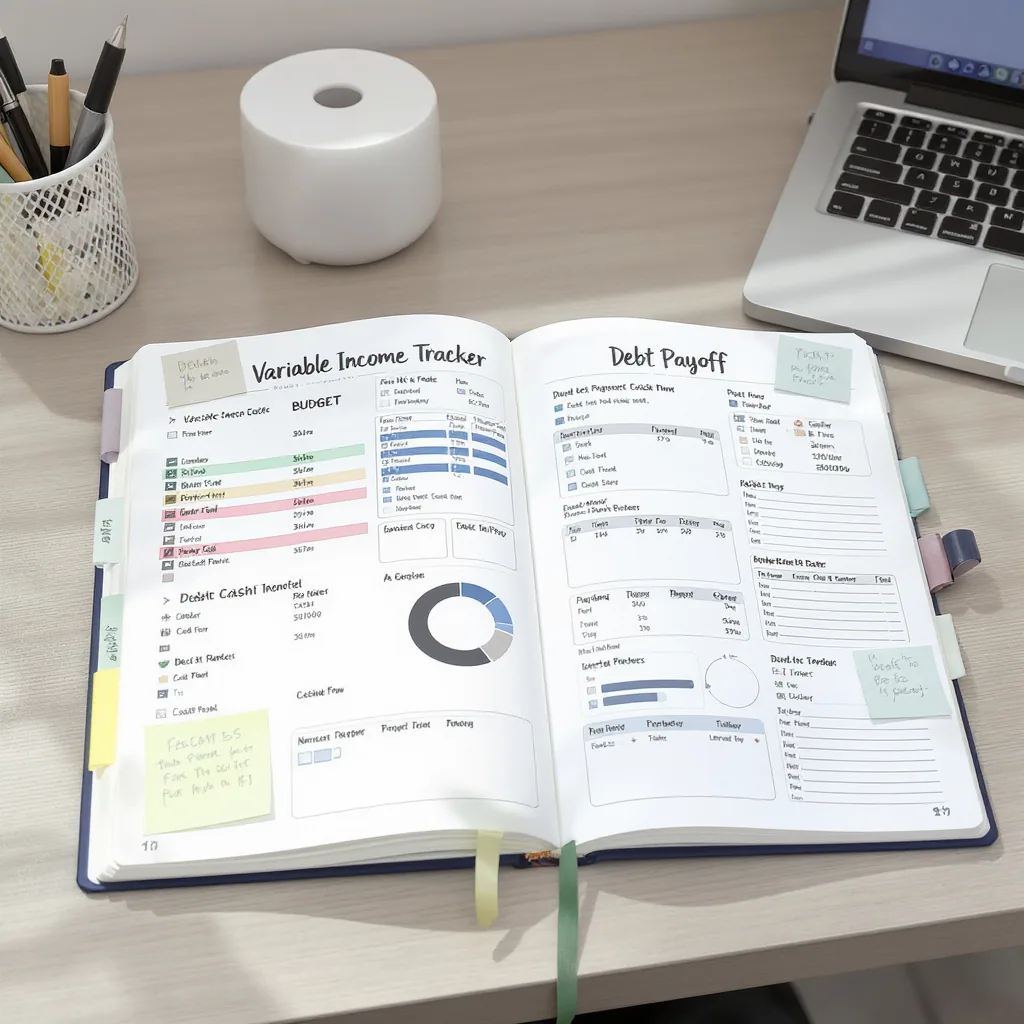
The ultimate test of a good budget binder layout is how well it fits your reality. The core checklist is a framework, not a rigid template. Here’s how to tweak it for common scenarios.
Scenario: Variable or Freelance Income
Your layout’s focus shifts from fixed categories to cash flow. Create a prominent “Income Received” section with dates and amounts. Pair this with a “Monthly Essential Expenses” block and a “When to Pay” column. Your budget tracker layout becomes a tool for timing bills to your paychecks, not just categorizing them.
Scenario: Aggressive Debt Payoff
Here, motivation is key. Design your page to highlight progress. Create a large, visual debt tracker (like a bar you fill in) at the top. List each debt with its minimum payment and a space for your extra payment. Seeing the progress visually in your planner budget organization system can be incredibly powerful.
Remember, the goal of clean budget tracking is to make the process so intuitive it supports your goals, not adds to your stress. Your planner should bend to your life, not the other way around. For more on building effective financial habits, the Consumer Financial Protection Bureau offers excellent resources and tools for money management.
Your Planner, Your Peace of Mind
Implementing this budget planner layout checklist transforms your financial tracking from a source of anxiety into a source of clarity. A well-organized page removes the friction of “where do I write this?” and lets you focus on the insights your numbers provide.
Remember, the goal is progress, not perfection. You don’t need to implement every item at once. Start with clear income/expense columns and categorized blocks. Next month, add a savings tracker. The power is in the consistency that a clean, intentional design makes possible.
Your budget planner is a tool for your confidence. By giving it a thoughtful layout, you’re not just organizing numbers—you’re building a sustainable habit that puts you firmly in control of your money.