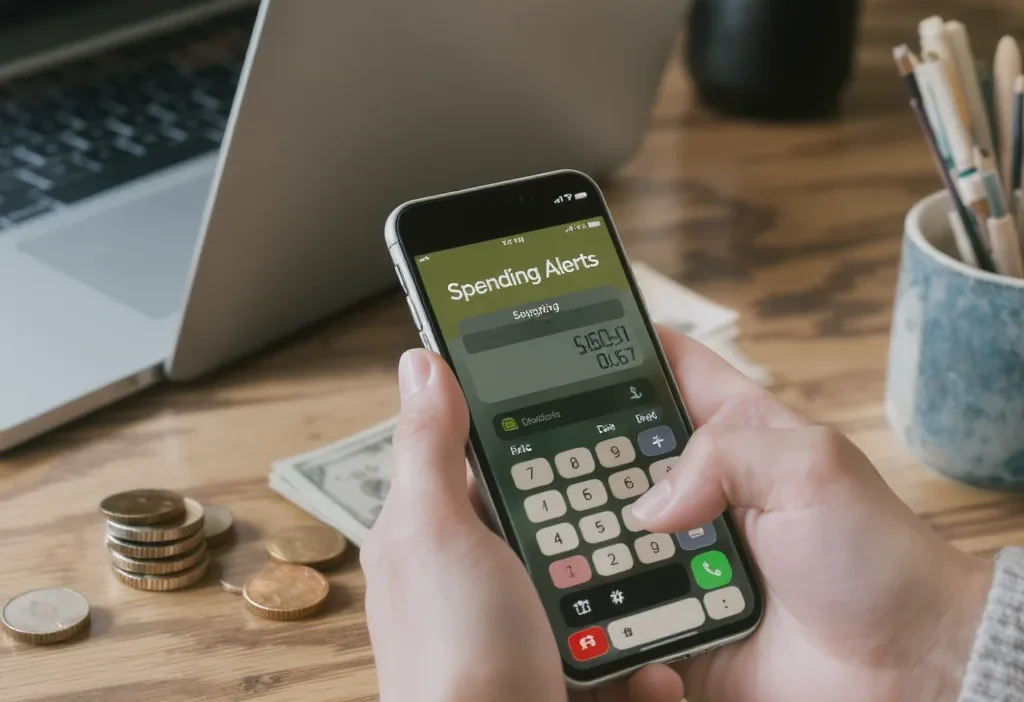
You’ve probably heard the advice: set up spending alerts for budgeting, and you’ll magically get your finances under control. It sounds like a simple, set-it-and-forget-it fix. But here’s the counterintuitive truth: most of the notifications banks and apps send are useless noise that does nothing to change your behavior. They’re like a smoke alarm that goes off after the house has already burned down—annoying, but not helpful. This guide cuts through the myth of the magic alert. We’ll explore what actually works to keep you on track and, more importantly, what common setup mistakes turn these tools into background noise you quickly learn to ignore.
Here’s how to use spending alerts for budgeting effectively: Focus on alerts tied to specific categories or amounts you personally struggle with, like dining out or large purchases. Avoid generic low-balance alerts that arrive too late. The key is setting up proactive, personalized notifications that give you time to adjust behavior before you overspend. Effective alerts act as a gentle fence, not a slammed door.
The Myth of the Magic Alert: Why Most Notifications Fail
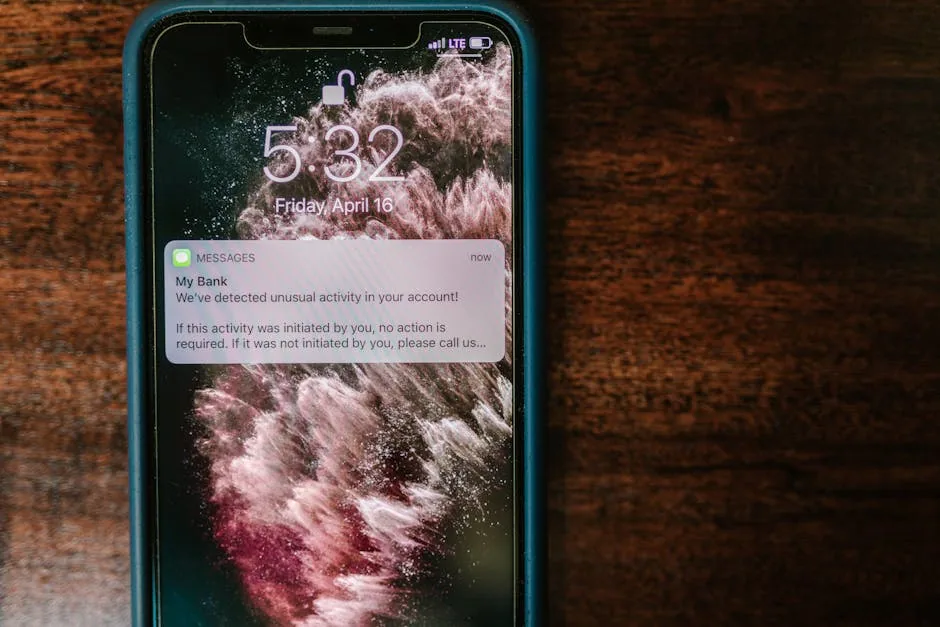
Photo by RDNE Stock project on Pexels
Many people believe that turning on any spending notification will automatically improve their finances. This is the myth of the magic alert. In reality, most default bank alerts for budget tracking are designed for security, not for proactive money management. They tell you what already happened, which is often too late to change your behavior.
The most common culprit is the low-balance alert. Getting a text that your checking account has dipped below $100 doesn’t help you stay on budget—it just tells you you’ve already overspent. Similarly, alerts for every single transaction or for large deposits create a lot of noise without meaningful insight. This leads to alert fatigue, where you start ignoring all notifications, including the useful ones. As noted in discussions on notification overload from sources like behavioral design experts, when everything is highlighted, nothing is.
Effective budget notification setup isn’t about getting more information; it’s about getting the right information at the right time to influence a decision before you make it.
What Actually Works: The 3 Types of Alerts That Change Behavior

Photo by www.kaboompics.com on Pexels
For budget tracking alerts to be effective, they need to be proactive, personalized, and tied to your specific goals. Here are the three types that actually drive behavioral change.
1. Category-Specific Spending Alerts
These are custom bank alerts tied to a spending category you’re trying to control, like dining out, groceries, or entertainment. You set a weekly or monthly limit within your bank or budgeting app, and get a warning when you approach it.
Why it works: It creates a gentle “fence” around your problem area. The alert arrives before you’ve blown the budget, giving you a chance to choose a cheaper option or skip the purchase entirely.
2. Weekly/Monthly Progress-to-Budget Alerts
Instead of waiting for the end of the month, set a recurring alert for every Friday to check your spending progress. This turns budgeting from a monthly autopsy into a weekly check-up.
Why it works: It builds a regular review habit. A quick, scheduled glance helps you course-correct mid-cycle, preventing that panicked feeling at month’s end. It transforms money management alerts from reactive to strategic.
3. Pre-Spending Threshold Alerts
This is a simple but powerful rule: “Alert me if any single transaction exceeds $75.” You set a dollar amount that feels significant to you, and your bank notifies you any time a charge hits that threshold.
Why it works: It forces a moment of pause for larger, often impulsive, purchases. That ping on your phone makes you consciously acknowledge the spend, which can be enough to curb mindless swiping.
The Setup Scenario: From Idea to Action
Let’s see how this works in practice. Sarah loves food delivery, but it’s derailing her budget. She identifies this as her problem category. Instead of just vowing to “spend less,” she logs into her banking app (like Chase or Capital One) or her budgeting tool (like Mint or YNAB).
She looks for the alerts or notifications section. She creates a new alert: “Notify me when my ‘Restaurants & Food Delivery’ spending exceeds $120 for the month.” She sets it at $120 because her goal is $150, giving herself a $30 warning buffer. Now, when she’s at $121 in week two, she gets a proactive overspending warning. This gives her time to plan meals at home for the rest of the week, rather than finding out she’s $100 over budget on the 31st.
The key is moving from a vague intention to a specific, automated budget notification setup that does the monitoring for her.
Common Alert Mistakes (And How to Fix Them)
Even with the right alert types, small setup errors can render them useless. Here are common pitfalls and how to avoid them.
Mistake 1: Setting Alerts Too Low or Too High
If your dining alert triggers after your first $20 lunch, you’ll ignore it. If it only triggers at $500, it’s meaningless. Fix: Base your threshold on your actual past spending and a realistic goal. Use a 75-80% threshold of your limit as an early warning signal.
Mistake 2: Relying Only on Post-Transaction Alerts
Alerts that simply confirm a purchase has already cleared are just receipts. Fix: Prioritize alerts that fire based on accumulated spending (like category totals) or pending transactions, so you have a chance to react.
Mistake 3: Ignoring or Muting App Notifications
If your phone is on permanent “Do Not Disturb,” your brilliant financial notifications can’t help you. Fix: Allow critical budgeting apps to bypass focus modes or ensure you review notification summaries daily.
Mistake 4: Not Reviewing Alert Effectiveness
Setting an alert once and forgetting it is a missed opportunity. Fix: Once a month, ask yourself: “Did this alert help me make a better choice?” If not, adjust the amount, category, or frequency.
Your Budget, Your Rules
Effective budgeting with alerts isn’t about finding a one-size-fits-all solution. It’s about building a personalized, proactive system that works for your specific habits and challenges. The magic isn’t in the notification itself, but in the thoughtful setup that gives you time and information to make a different choice.
Start small. Pick one category you often overspend on and set one intelligent alert using the principles here. See how it feels. Tweak it. The goal is to create a supportive tool that reduces stress, not another source of financial noise. You’ve got this.