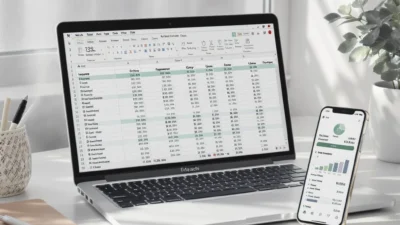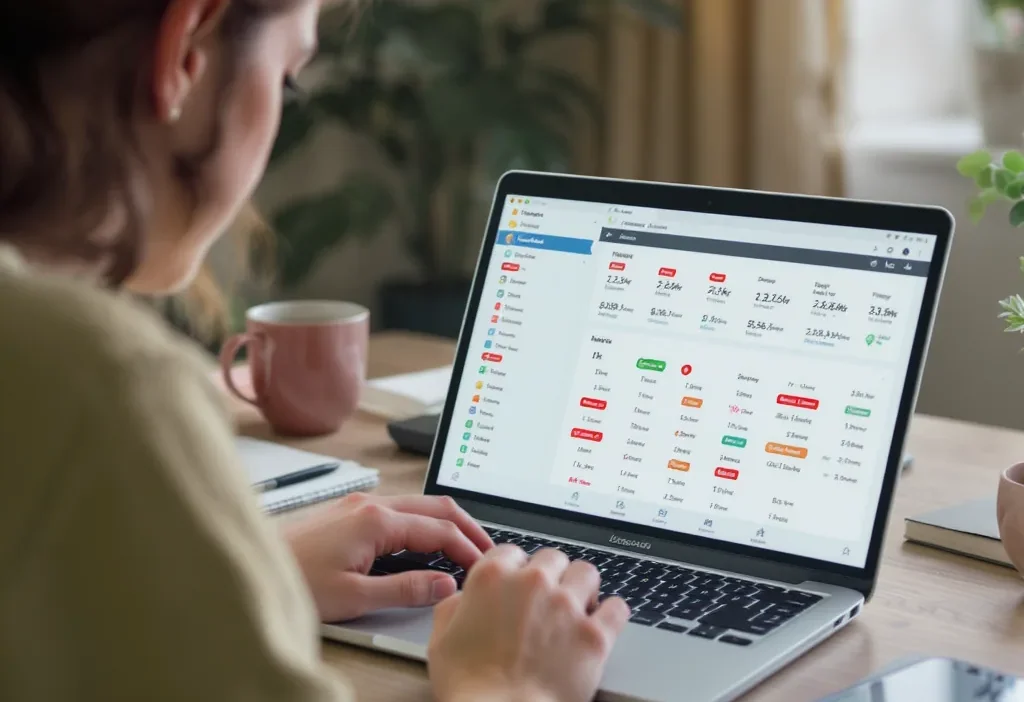
You open your budget app, ready to face the financial music, only to find your carefully planned categories in chaos. That $50 dinner with a client is labeled as “Fast Food.” The grocery run to Target is mysteriously filed under “Electronics.” And your monthly software subscription? The app insists it’s “Shopping.” When your auto categorized expenses go wrong, it’s more than a minor annoyance—it completely undermines the trust and utility of your automated financial tracking. If your expense report looks like it was assembled by a random word generator, you’re not alone. This frustrating disconnect between what you bought and what your app *thinks* you bought is a common flaw in automated systems, but the good news is it’s entirely fixable. Understanding why these automatic expense categorization errors happen is the first step to reclaiming an accurate and useful financial picture.
Auto-categorized expenses go wrong because budgeting apps rely on merchant codes and algorithms that lack personal context. To fix this, you need to establish clear categorization rules, review transactions weekly, and manually correct mistakes to train the system. This consistent practice of review and recategorize transactions helps the app learn your specific spending patterns, turning a chaotic budget into a reliable financial tool.
Why Your Budget App Gets Categories Wrong
Photo by Kiersten Williams on Pexels
Your budget app isn’t trying to sabotage you. These automatic expense categorization errors happen because the system is working with limited, impersonal data. Understanding the “why” is the first step to fixing it.
The Problem with Merchant Codes (MCCs)
Every business is assigned a Merchant Category Code (MCC) by credit card networks. This is the primary data point your app uses. The issue? These codes are incredibly broad. A big-box store like Target or Walmart often has a single “discount store” or “merchandise” code. Whether you buy groceries, a t-shirt, or cleaning supplies, it all looks the same to the algorithm, leading to frequent incorrect expense classification.
Algorithms Lack Your Personal Context
Software can’t read your mind. A $50 charge at “Joe’s Diner” could be a business lunch, a personal treat, or a family dinner. The app has to guess, often defaulting to a generic “Restaurant” or “Food & Dining” category. It can’t distinguish between a Starbucks run for a work meeting and one for a weekend treat. This lack of personal context is a core reason why auto categorized expenses go wrong.
New Patterns Need Time to Learn
When you shop at a new store or change your spending habits, the app has no historical data to reference. It will make its best guess based on the MCC, which may be wrong until you manually correct it several times. This learning period is where many financial app categorization mistakes pop up.
The Most Common Auto-Categorization Mistakes
Certain spending scenarios are notorious for tripping up automated systems. Here are the most frequent culprits:
- Grocery Stores Selling Everything: Purchases at Target, Walmart, or Costco are a classic trap. That single transaction might contain groceries (Food), a phone charger (Electronics), and laundry detergent (Household Supplies). The app picks one code, often miscategorizing the entire purchase.
- Business vs. Personal Meals: As mentioned, a restaurant charge lacks context. If you need to track business expenses separately, every meal out requires a manual review to fix budget app categorization.
- Digital Subscriptions & Services: Charges from Apple, Google, or a software company might all be lumped under “Computer Software” instead of being split into “Entertainment” (Netflix), “Productivity” (Dropbox), or “Education” (language app).
- Cash Withdrawals: ATM withdrawals are often categorized as “Bank Fee” or generic “Shopping.” They tell you nothing about whether that cash was for groceries, entertainment, or an emergency fund.
- Gas Station Convenience Stores: Filling your tank is “Auto & Transport.” But if you also grab a coffee and a snack inside, that’s “Food & Drink.” The single transaction usually gets the fuel code, miscategorizing the extras.
Quick Fix Rules for Accurate Categorization
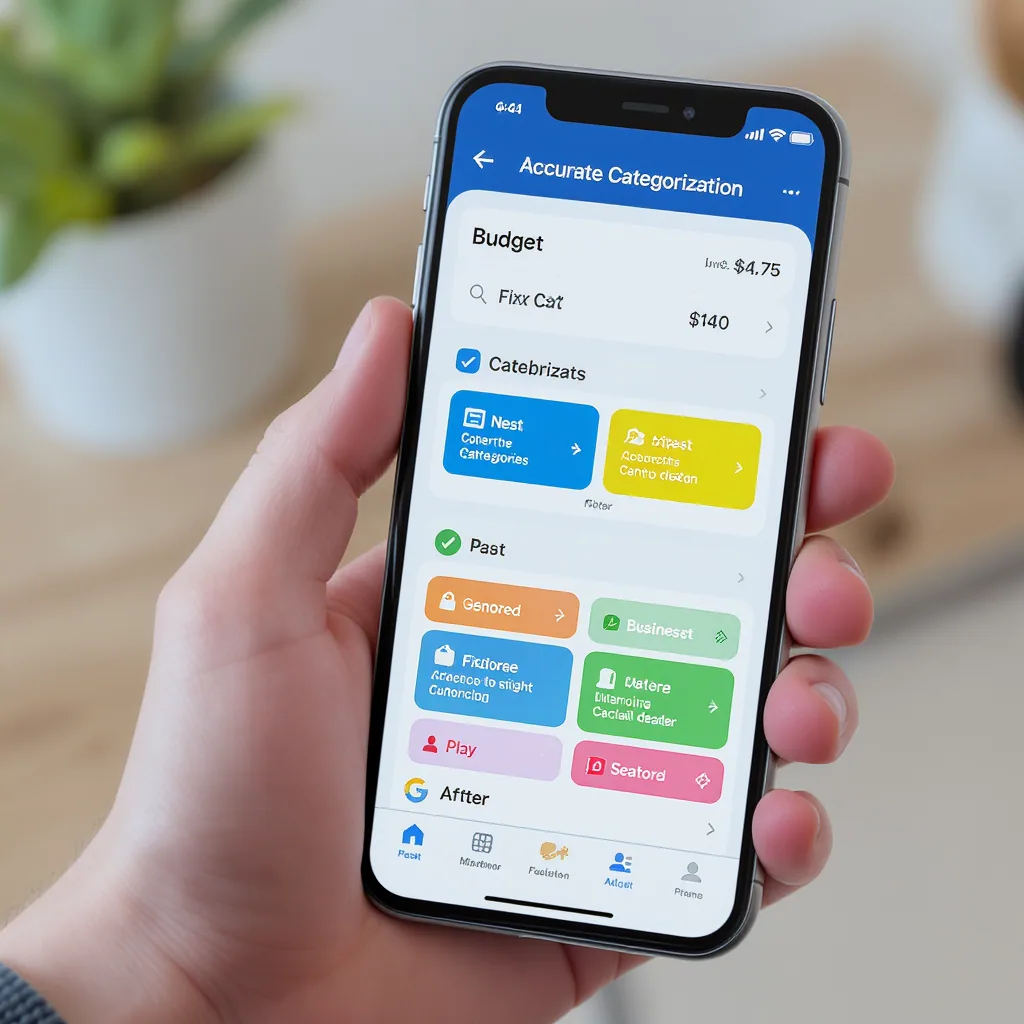
You don’t need to manually categorize every transaction. Instead, implement these three rules to bring order to the chaos.
Rule 1: The Weekly Review & Recategorize Session
This is the non-negotiable habit. Set a 10-minute weekly appointment to scan your recent transactions. Your goal is to recategorize transactions that the app got wrong. This consistent feedback is how you train the algorithm. Most apps let you do this with a few taps. According to a guide from the CFPB on money tracking, regular review is fundamental to accurate financial awareness.
Rule 2: Create Specific Merchant Rules
Once you correct a transaction, most apps ask if you want to “always categorize this merchant as X.” Always say yes. This tells the app, “From now on, every charge from ‘Whole Foods Market’ is ‘Groceries.'” This is the most powerful tool to fix budget app categorization long-term. Be specific—create a rule for “Starbucks” and another for “Local Coffee Co.” if you want them in different categories.
Rule 3: Handle Multi-Purpose Merchant Exceptions
For merchants like Amazon or Walmart that sell everything, a single rule won’t work. Here, you have two options. First, use your app’s “Split Transaction” feature to divide one purchase into multiple categories. Second, if splitting is too tedious, categorize the whole transaction to its most common purpose for you (e.g., “Household Goods”) and use the memo/note field to jot down what it actually was. This preserves context for your own review.
Preventing Future Categorization Headaches
Think of your budgeting app as a tool that gets sharper with use. Your manual corrections aren’t just fixing today’s error; they’re building a smarter system for tomorrow.
Train the AI with Consistency
The algorithm learns from patterns. If you’re inconsistent—categorizing “Uber” as “Transport” one week and “Entertainment” the next—you confuse it. Decide on a logical category structure and stick to it when you make corrections. This consistent training significantly reduces future automated budget errors.
Know When Your App Isn’t the Right Fit
Some apps have more robust rule engines than others. If you’re constantly fighting a basic app that offers few customization options, it may be time to switch. Research apps known for powerful, flexible rule creation (like YNAB or Copilot) versus those with more set-and-forget automation (like some bank-provided tools). The right tool makes expense tracking cleanup far easier.
Maintain Clean Data for Bigger Goals
Accurate categorization isn’t just about monthly budgets. Clean data is crucial for tax preparation, identifying true spending leaks, and generating reliable reports. A little weekly maintenance saves hours of frustrating cleanup later.
Take Control of Your Financial Picture
Perfect, fully automated expense categorization is a myth. These systems are helpful assistants, not infallible accountants. The real power comes from combining their automation with your human judgment. By implementing the simple rules of weekly review, creating merchant-specific rules, and handling exceptions, you can transform a messy, untrustworthy tracker into a precise financial dashboard. The ultimate fix isn’t a technical one—it’s the habit. Start your next weekly review today, and watch your financial clarity improve.