You clear the kitchen counter, finally filing that teetering stack of receipts. You feel a wave of domestic triumph. But a week later, a new, slightly crumpled pile has taken root by the coffee maker. Sound familiar? This cycle of receipt clutter keeps coming back not because you lack willpower, but because most advice treats it as a one-time purge, not a daily reality. The frustration isn’t in the initial cleanup—it’s in the relentless return, the feeling that you’re Sisyphus in a world of thermal paper. The truth is, paper clutter returning is a systems problem, not a personal failing. You need a protocol, not just a project. This isn’t about finding the perfect filing cabinet; it’s about building a tiny, bulletproof habit that intercepts the chaos before it becomes a monument on your counter. Let’s break the cycle for good with a reset so simple, it sticks.
Receipt clutter keeps coming back because we treat it as a massive, occasional cleanup project instead of a simple daily system. The easiest reset is a three-part routine: establish a single collection spot (like a tray or envelope), commit to a weekly 5-minute sort using a clear “keep, shred, or scan” rule, and immediately file or digitize the keeps. Consistency with this micro-habit beats any elaborate, one-time organization spree.
Why Your Receipt Pile Is a Hydra (Cut One Head, Two Grow Back)
Photo by Ruxanda Photography on Pexels
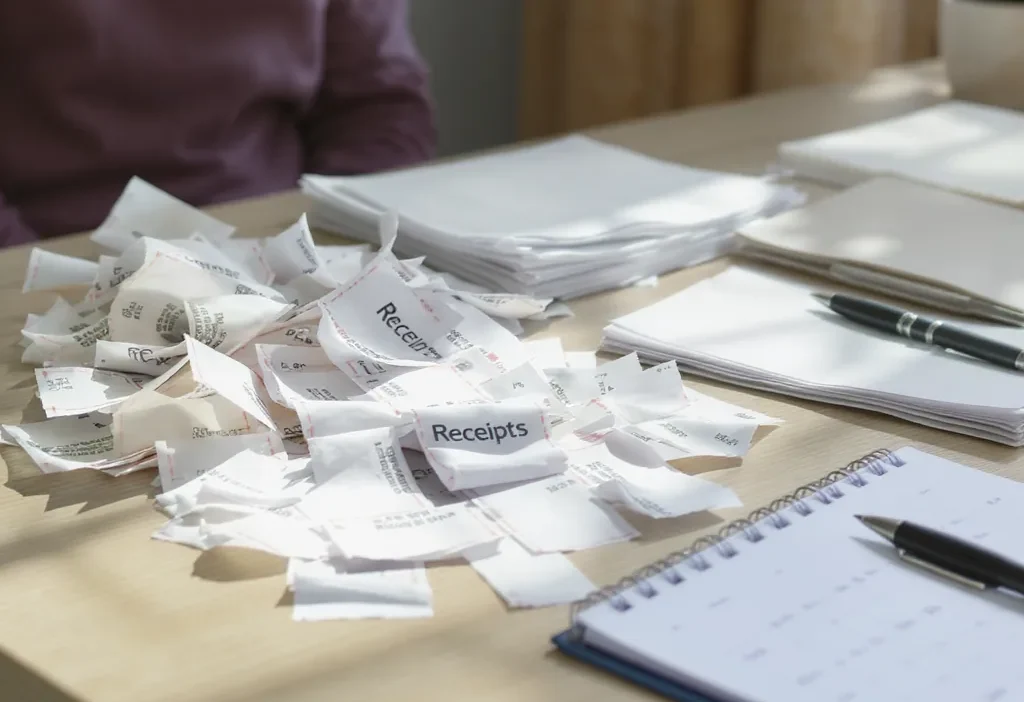
You clear the kitchen counter, feeling victorious. A week later, a fresh stack has appeared. This isn’t a personal failing; it’s a predictable system failure. The cycle of paper clutter returning happens for three specific, fixable reasons. cycle of paper clutter returning
1. The Scatter Problem: No Designated “Inbox”
Without a single collection point, receipts land in pockets, purses, wallets, car consoles, and junk drawers. This scattering makes the task of organizing your receipt pile feel massive before you even start, because you first have to hunt everything down. The mental energy required is often enough to make you postpone the job indefinitely.
2. Decision Paralysis: “Do I Need to Keep This?”
Facing a mixed pile—groceries, gas, home repairs, random coffee—triggers uncertainty. You pause on each one, wondering about warranties, returns, or taxes. This hesitation is the killer of any receipt declutter routine. The pile becomes a monument to unmade decisions, so you avoid it.
3. The “Project” Mindset vs. The “Habit” Mindset
We often treat receipt management as a monthly or seasonal “cleanup project.” This approach guarantees the receipts will start piling up again immediately after. A project is a finite event; paper flow is a constant stream. You need a micro-habit to match the inflow, not a massive effort to combat the backlog.
The 5-Minute Weekly Reset: Your Receipt Protocol
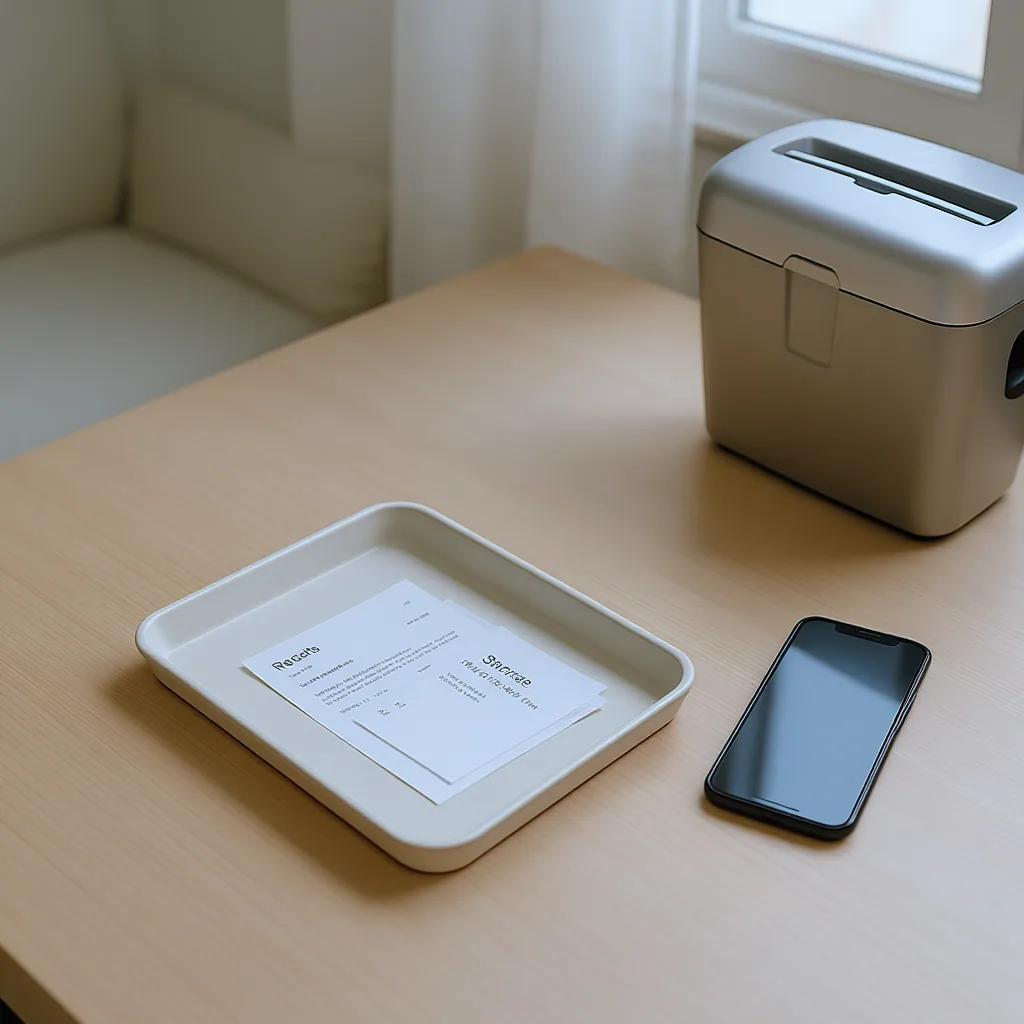
This is your core receipt declutter routine. It works because it’s fast, specific, and repeatable. Schedule it for the same time each week—Sunday evening or Monday morning often works well.
Step 1: The Gather (1 minute)
Empty your designated “inbox” (a tray, bowl, or folder) onto your workspace. Also, collect receipts from your wallet, car, and any other temporary holding spots. The goal is to get every loose slip in one place. This single act of corralling is half the battle in learning how to organize a receipt pile.
Step 2: The Quick Sort (2 minutes)
With all receipts in front of you, sort them into three piles using a ruthless rule:
- Keep (File): Major purchases (appliances, electronics), items under warranty, medical expenses, and home improvement costs. Everything else? It’s a candidate for the next pile.
- Shred: Day-to-day spending (groceries, gas, coffee, lunches) once the transaction clears your bank (usually 2-3 days). This is 80% of most piles.
- Digital (Optional): Receipts you want a backup of but don’t need physically. Use a scanner app like Adobe Scan or your bank’s built-in tool.
Step 3: File & Destroy (2 minutes)
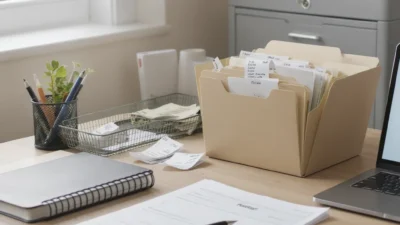
File the “keep” pile in a simple accordion folder or binder with basic categories (e.g., Taxes, Home, Medical). Immediately shred the “shred” pile. If you chose to digitize, transfer the scans to a dedicated folder on your cloud drive and shred the originals. This simple receipt filing closes the loop instantly.
Common Mistakes That Sabotage Your System (And How to Fix Them)
Even with a good protocol, small missteps can derail progress. Here’s how to spot and correct them.
Mistake: Over-Complicating Your Categories
The Fix: Start with two or three broad categories max (e.g., “Tax Documents,” “Big Purchases/Warranties,” “Medical”). You can always subdivide later if needed. A simple receipt storage solution you’ll actually use beats a perfect, intricate one you avoid.
Mistake: Trying to Go Fully Digital Overnight
The Fix: Hybridize. Use digital for receipts you actively want to search for (like a specific model number). Keep physical for items you must return or that have a physical warranty card. Let the system evolve naturally; forcing 100% digital receipt management from day one is a common point of failure.
Mistake: Not Having a Shredder Handy
The Fix: If you have to walk to another room to shred, you won’t. Use a cross-cut shredder near your sorting area. No shredder? Keep a “to-shred” envelope in your filing drawer and dispose of it securely once a month. The key is removing the friction from destroying sensitive waste.
Mistake: Letting the Weekly Reset Slide
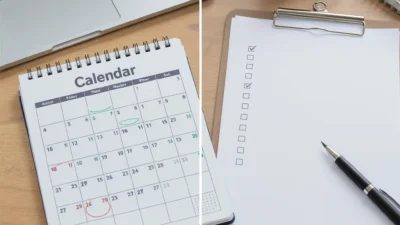
The Fix: Anchor it to an existing habit. Do it right after you review your weekly calendar or while your morning coffee brews. If you miss a week, don’t turn it into a two-week project. Just do the current week’s small pile and move on. Consistency in the receipt sorting habit trumps perfection.
Your Maintenance Checklist: Keeping the Pile Gone For Good
This preventive checklist turns the protocol into an automatic habit. These are your non-negotiables.
- Daily: Dump every new receipt into your single, designated inbox (a tray, bowl, or folder).
- Weekly (5 mins): Execute the full reset protocol: Gather, Sort (Keep/Shred/Digital), File, Destroy.
- Monthly (2 mins): Do a quick scan of your “Keep” file. Shred anything past its return/warranty period.
- Ongoing: Politely decline paper receipts when a digital one is offered (e.g., at many retailers).
This minimal routine addresses the inflow, processes it regularly, and purges the outdated, creating a self-cleaning system.
A Small Habit Beats a Big Purge Every Time
The frustration of a recurring receipt pile isn’t about the paper itself; it’s about the feeling of a problem you can’t solve. By understanding why the clutter returns and implementing a tiny, consistent weekly habit, you shift from reactive cleaning to proactive management. The goal isn’t a perfectly empty inbox every day, but the confidence that you have a system that can handle the flow. Start your five-minute reset this week. The peace of mind from a clear countertop—and knowing it will stay that way—is the real reward.